Agents

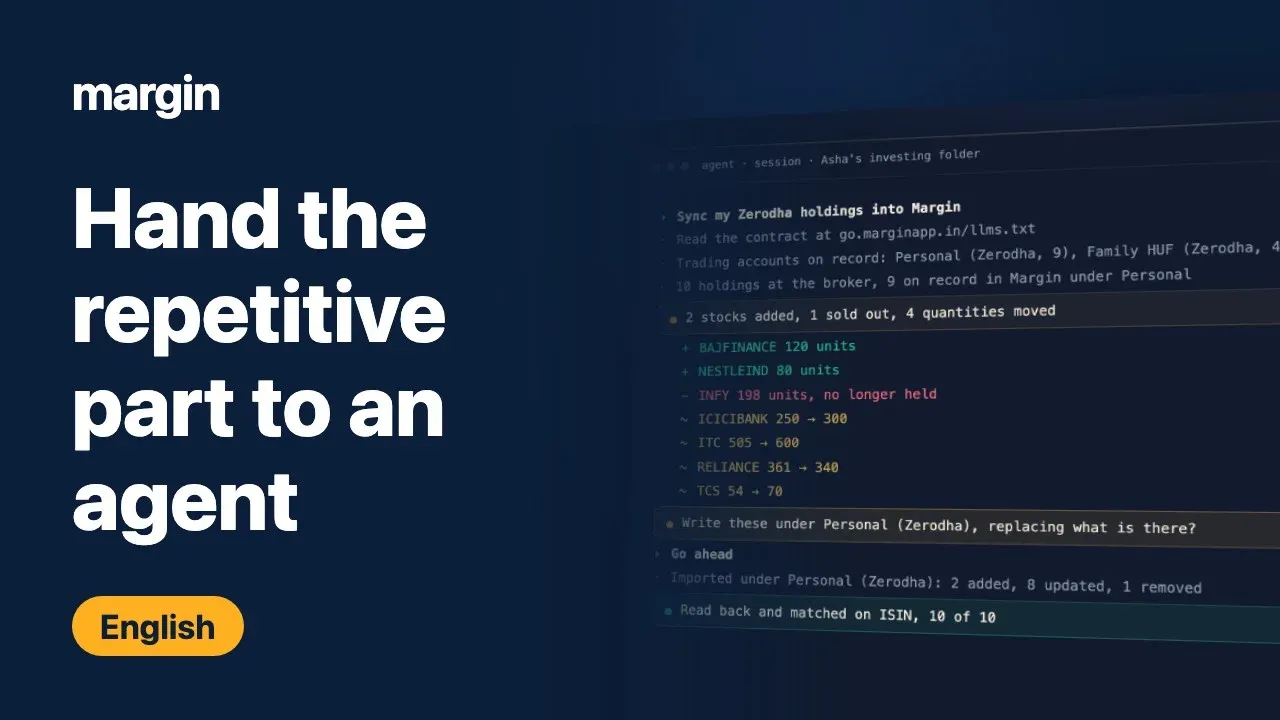
Hand the repetitive part
to an agent

Keeping a portfolio record honest takes a surprising amount of clerical work. Holdings go stale the week you buy something, a year of dividends sits in a console export until you remember to fetch it, and the valuation you spent an evening on stays in Excel or a spreadsheet because retyping it into anything else costs another hour. Old trades and dividends also arrive under symbols that have since been renamed or merged away, and each one means looking up what the company became before the row will load.

None of that work needs your judgement, only your credentials, a few rules about what replaces what, and the patience to check the result. Margin publishes an API and a machine-readable guide written for AI agents, so you can write those steps down once as a skill and run it whenever you want.

agent · session

# reads the contract, then your two accounts

https://go.marginapp.in/llms.txt

142 holdings at the broker, 139 on record in Margin

2 stocks added, 1 sold out, 4 quantities moved. Write them under Zerodha · Personal, replacing what is there?
Imported. Read back and matched on ISIN, 142 of 142.

Video walkthrough

How the pieces fit

The agent runs on your machine, on whatever subscription you already pay for, with only the file system, browser and web access you choose to give it. It reaches your broker with a login it holds there and Margin with a token it holds there, and the two never meet. Margin keeps your data and does every computation. The web app is where you sign in to see the same figures and to do the few things a token is not allowed to.

Your machine You prompt the agent read each diff say go ahead AI agent Claude Code, Codex or any agent on your subscription, not Margin's mgn_ token kept in a private file prompt the diff File system skill, token Browser broker login Web search filings, news only the access you grant your login, never sent to Margin Your broker Zerodha · Groww · Upstox · AngelOne read · write computed figures Margin API go.marginapp.in reads free, writes checked first llms.txt: the contract, every run Your data holdings · trades · dividends funds statement · valuations lists · boards · verdicts every figure is computed here Web app the same figures, and the operations closed to a token: clearing, deleting, reading row by row sign in to check what the agent wrote, and for the operations closed to a token
Every run 1 Fetch the contract llms.txt 2 Read both sides broker · Margin 3 Show the diff nothing written 4 Write checked first or rejected whole 5 Verify read it back match on ISIN You go ahead? yes no stop, nothing changes the next run starts again from the contract

What an agent can pull together

Each source you rely on holds one piece of the picture and none of them can see the others. An agent can hold all of them open in the same session, so the workflow becomes yours to compose: pull from two or three of them and leave the result where you will look for it again. Margin is one of those sources, and the only one that knows what you own, what you paid and what you think each company is worth.

Sources you already use what each one can hand over Your files statements, notes, an annualreport PDF you keep locally Excel and spreadsheets the model you already keep,with your own assumptions Screener.in published fundamentals andthe growth history behind them ValuePickr the thread on a company, andwhat has changed in it Your brokerage live holdings, the tradebook,funds, dividends, and alerts Search and news results dates, announcements,filings, anything on the web Your agent holds them all open in one session you compose the rest read and write Margin the record, and the arithmetic What you own holdings and trades, at thecost you actually paid What it has returned XIRR, realised and unrealisedgains, tax if sold today What it is worth to you a saved DCF per stock, and thereturn it implies right now What you are watching lists and boards, grouped theway you group them computed here, not by the agent None of these sources can see each other, and the agent is the one piece that can hold several of them at once.

The rules the recipes share

Margin does every computation

Every derived figure comes from the server. An agent that works out its own EPS or intrinsic value produces a saved valuation that disagrees with what the app shows you, and nothing flags the disagreement.

Nothing writes without your go-ahead

Reads are free and repeatable, so a skill can explore as much as it likes. Every write is shown as a diff first and waits for you to say go ahead.

The contract is fetched, never remembered

Margin publishes its own API guide for agents. A skill reads it at the start of every run, because a skill carrying its own copy of the endpoints breaks in hard-to-spot ways when the contract moves.

Your credentials stay on your machine

Your agent talks to your broker and to Margin separately, from where you run it. Margin never sees your broker login in any of this.

What a token can reach

An API token is deliberately narrower than your own login. It can read the summaries a skill needs to verify its own work and write the records you hand it, and the operations that would lose data or expose the detail of your ledger are reserved for you in the app.

Reads

Free, repeatable and safe to run as often as a skill likes.

  • Holdings, with your own price anchors and target allocation on each
  • Trade and dividend counts, and the summary totals per financial year
  • Which years of the funds statement are on record, and which are missing
  • Net contribution, itemised charges and the money-weighted return
  • Saved valuations, their names and the quarter each speaks for
  • Stock lists, research boards, screening verdicts and stock search
  • When each kind of data was last uploaded, per trading account

Writes

Checked before anything is stored, so a rejected write leaves the account untouched.

  • Holdings, tradebooks, dividends and the funds statement
  • DCF and reverse DCF valuations, their notes and their quarter
  • Stock lists and target allocation across the book
  • Screening verdicts of study, track or reject
  • Research boards, their columns and their cards
  • Stock story videos to the Margin YouTube channel

Closed to a token

Reserved for you, signed in to the Margin app.

  • Clearing holdings, dividends or a year of the ledger
  • Deleting a research board
  • Reading your funds statement row by row
  • Reading dividends payout by payout or stock by stock
  • The dashboard the web app reads for itself

Two operations need a privilege beyond the token itself: generating quick stories and publishing a video to the channel. An account without the privilege gets a refusal that names it, and no token can grant itself one.

The recipes

Each one explains what the job is, which calls it makes, and what specifically goes wrong when you get a detail slightly wrong. Each ends with a skill you can copy into your own project and adapt. They are written to be read and changed, not run unaltered, because your broker, your accounts and your own tolerance for a script writing to them are all yours to set.

Get your records in

Getting started

  1. Create a token in Margin at Settings, on the API Tokens tab. It starts with mgn_.
  2. Save it somewhere private on your own machine, readable only by you, and have your skills read it from there instead of pasting it into a prompt.
  3. Point your agent at go.marginapp.in/llms.txt. It covers every operation a token can perform, including the ones no recipe here uses.
  4. Pick the recipe closest to the job you keep doing by hand, and start with its read steps only. Add the write once you trust what the read shows you.

A word on trust

These recipes hand a program your broker session and a token that writes to your portfolio. Read a skill before you run it, the same way you would read any script that touches your accounts. The ones here ask for your go-ahead before every write and show you the diff first, and a skill you adapt should keep doing both.

Margin never sees your broker credentials in any of this. Your agent talks to your broker and to Margin separately, on your machine, with credentials you hold.